


Automation
5 automations every small business should have
Mar 3, 202613 min
Automation
Small businesses rarely fail because they lack ideas; they fail because operations become inconsistent as volume grows. A focused automation foundation can create immediate leverage without enterprise complexity. This guide covers five high-impact workflows that deliver predictable gains quickly.
Growing teams usually run on fragmented tools and manual reminders. Leads are missed, follow-ups are inconsistent, and reporting is always late. The result is slower growth and rising operational stress.
Automation turns recurring operational tasks into deterministic execution paths. Instead of relying on memory and ad hoc coordination, teams get built-in triggers, routing rules, and alerts. This creates reliability and frees people for high-value work.
Core starter architecture: Lead Intake Flow + Follow-up Flow + Support Routing Flow + Payment/Invoice Reminder Flow + Weekly Reporting Flow. Each flow should share validation, logging, and alerting patterns for easier maintenance.
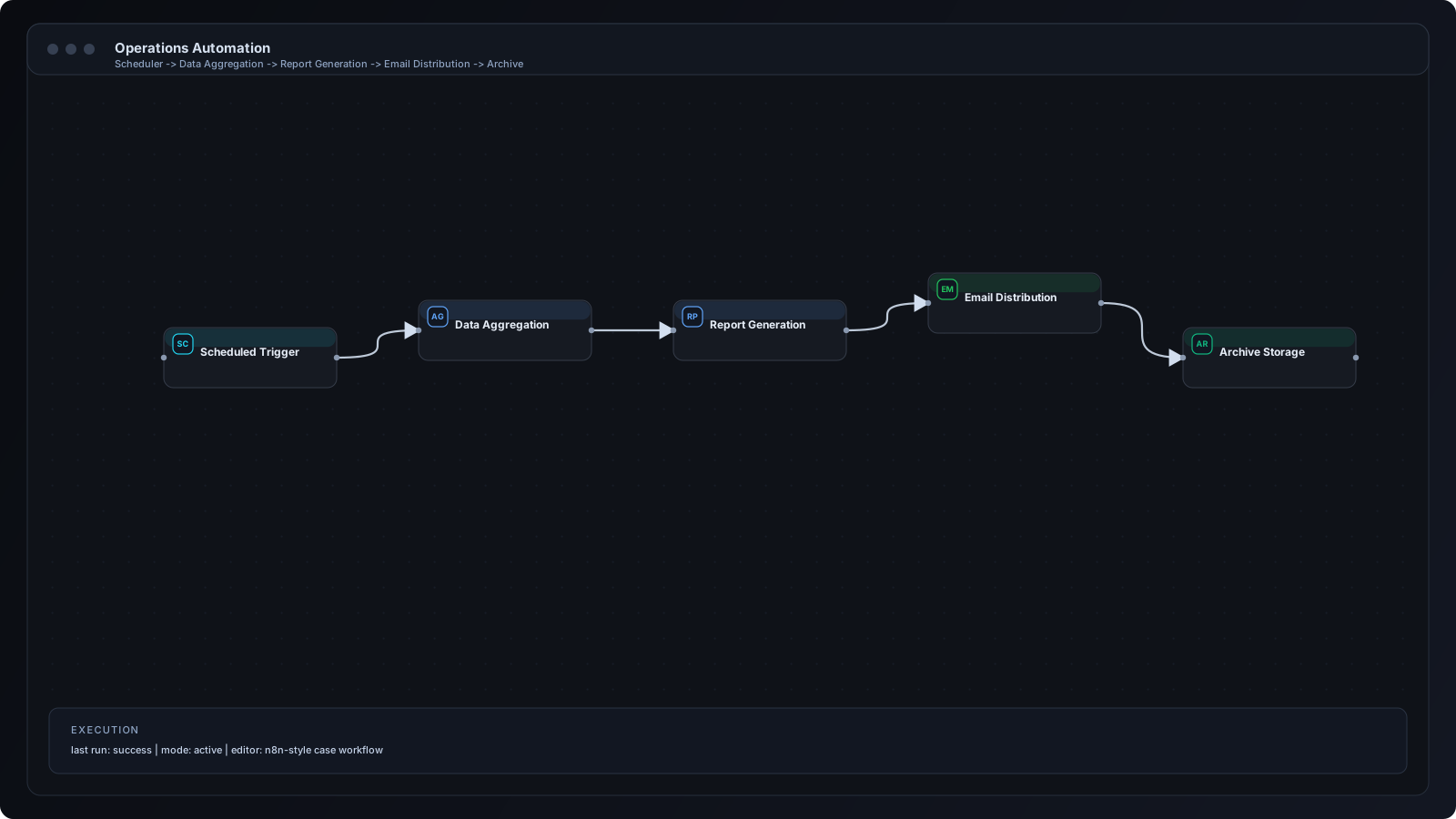
Step 1: Map your top repetitive processes and assign measurable KPIs. Step 2: Launch lead intake automation first. Step 3: Add follow-up reminders and ownership routing. Step 4: Automate support ticket triage. Step 5: Implement invoicing/payment reminders. Step 6: Add weekly KPI reporting digest. Step 7: Review logs weekly and iterate.
Use Webhook and Schedule nodes for triggers, IF/Switch nodes for routing, and integration nodes for CRM, messaging, and storage. Function nodes handle normalization and simple logic. Error trigger workflows provide resilience and incident visibility.
1) Local services: form inquiry -> instant owner alert. 2) Coaching businesses: application -> qualification -> booking reminder. 3) Ecommerce: order events -> support and review request flows. 4) Agencies: lead intake -> CRM assignment -> weekly pipeline digest.
Launching too many automations at once creates operational noise. Another mistake is skipping success metrics, so teams cannot prove impact. Poor naming and no documentation quickly turn simple flows into maintenance debt.
Start with one workflow per business bottleneck and define owner + SLA. Standardize input schemas and message templates. Keep fallback alerts for critical paths. Document every workflow trigger, branch condition, and expected output.
Once baseline flows are stable, introduce segmentation by region, product, and lifecycle stage. Move shared logic into reusable sub-workflows. Add queueing for burst traffic and granular monitoring dashboards for each automation stream.
Apply input validation for all external triggers. Use role-restricted credentials and rotate secrets periodically. Avoid storing sensitive data in notification text. Set clear retention policies for logs and customer records.
Q: Which workflow should a small business automate first? A: Usually lead intake and first-response alerting. Q: Do we need a developer to start? A: Not always, but technical review helps prevent scaling issues. Q: How fast can we launch? A: Most starter workflows can launch in days, not months. Q: How do we measure ROI? A: Track response time, conversion lift, and manual hours saved.
Small businesses gain the most from practical, focused automation rather than large transformation projects. Start with the five workflows that remove repetitive bottlenecks and improve response speed. Then scale intentionally as process maturity increases.
n8n Workflows
Automation
AI for Business